Wind turbine technician training starts with real work. Bring your trainers' experience into every course.
Your trainers work on gearboxes, electrical systems and blades. Record that expertise while they do the job. Mira turns it into material trainees can watch, question and revisit, in their own language.
Last updated: 1 October 2026
How can wind training providers use Mira?
Mira helps wind training providers turn their trainers' field recordings into structured, multilingual course material. Real turbine jobs become chaptered videos, illustrated instructions and answers linked to the source. Providers can prepare turbine-specific scenarios and add practical knowledge to an LMS. Mira supports learning alongside certified GWO training; it does not replace certification or practical assessment.
Your trainers do the work. Keep it in the course.
A trainer returns from a service job with a procedure worth teaching. Writing it up becomes another task between site work and the next course.
With Mira, the recording becomes the starting point. Trainees see the actual component, the space around it and the order of the work. The course uses your team's experience instead of relying on a generic example.
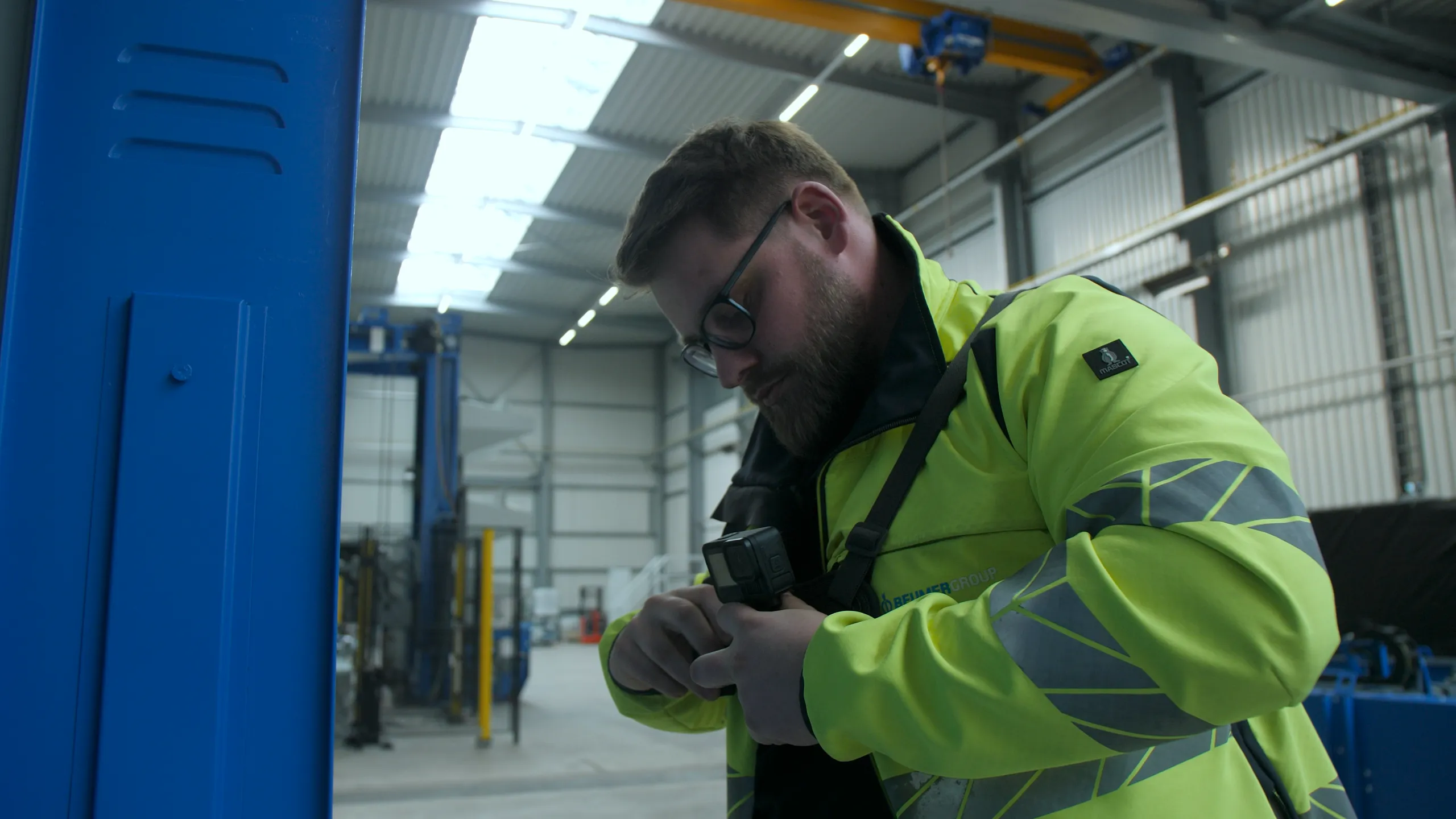
Record the job. A phone, action camera or smart glasses captures the procedure and the trainer's explanation.
Build the material. Mira generates chapters, translated content and illustrated documentation. Your trainers review it and choose what belongs in the course.
Use it before and after practice. Put the recording in a course collection. Trainees can revisit a step and ask questions against that material.
Turbine-specific rescue training starts with the actual space
Show the turbine before trainees enter the scenario.
The layout of the nacelle, the route through the tower and the available working space all matter when you prepare a rescue scenario. A recording of the client's turbine gives your trainer a concrete environment to discuss before the practical exercise.
Build a reviewed collection around that turbine type. Show the relevant spaces and the sequence your qualified trainer wants participants to study. Use it for preparation and debriefing alongside the physical training.
For GWO training providers, this can support learning around Basic Safety Training, Working at Heights and Advanced Rescue Training. The provider determines how the material fits its course and the applicable training requirements. Mira complements certified GWO training. It does not certify participants, replace practical exercises or assess competence.
Show the movement. Explain the reason.
Richard Mayer's multimedia-learning research supports combining words and relevant pictures rather than words alone. For a turbine procedure, video can show the movement while the trainer explains what matters. Use focused clips, clear narration and practice to help trainees understand the task.
Source: Richard E. Mayer, “The Multimedia Principle”, The Cambridge Handbook of Multimedia Learning, 2021. Source
One field recording. More trainee languages.
Mira supports 14+ content languages. It can translate the recording's chapters, transcript and supporting content, add subtitles and create a dubbed audio track. Trainees ask the assistant in their own language against the same source material.
Your trainers review the content and terminology for the course. Keep the visual procedure connected to the explanation in each language.
Put practical knowledge into your LMS
Use Mira to capture and structure the field knowledge. Bring it into the learning system where your courses already run. Mira supports LMS integration and embeds for sharing reviewed assets and collections.
The Mira and MLS integration presented at AMB shows the connection between captured work and digital learning. Tell us which LMS you use so we can discuss your setup.
Questions from wind training providers
How can our trainers turn weekly service work into course material?
Record the job and the explanation during the work. Mira structures the recording into chapters and generates supporting documentation and translations. Your trainer reviews the output and adds the relevant material to a course collection or your LMS.
Can we prepare rescue scenarios for a client's exact turbine type?
You can use recordings of the actual turbine to show its layout and the spaces relevant to a scenario. A qualified trainer selects and reviews the material, then uses it to support preparation and debriefing. The practical exercise and assessment remain with your training provider.
Does Mira replace GWO training or certification?
No. Mira is a knowledge and learning-material platform. It supports your provider's courses with recorded work and reviewed material. It does not award GWO certification or replace the required practical training and assessment.
Can our trainees use the material in different languages?
Yes. Mira supports translated content, subtitles, dubbed audio and multilingual questions in enabled languages. Your trainers review the terminology and material for the course.
Can we connect Mira to our LMS?
Yes. Mira supports LMS integration and embeddable knowledge content. The MLS example shows one existing connection. We will discuss the setup for your LMS before agreeing the workflow.
Does this also work for an operator's in-house academy?
Yes. You can build course collections from your own crews' recorded work. The same knowledge can support training and the technician's questions at the turbine.
Who can see a client's turbine recordings?
You control access through roles and policies. Mira is hosted in Germany, with full EU data-residency mode available. Client recordings are never used to train AI models.
Help us shape Mira for wind training
Tell us which modules you deliver and what your clients ask for that is difficult to prepare today. Bring one turbine-specific scenario. We will explore how your team's real work can become useful learning material.
Your trainees join wind turbine service crews. Owners building in-house O&M teams need practical training too. Explore Mira for wind energy.